
 Magyar

Active Work & Desks
Adjustable Height Table: the Ultimate Guide to Pain-Free Working (2025)
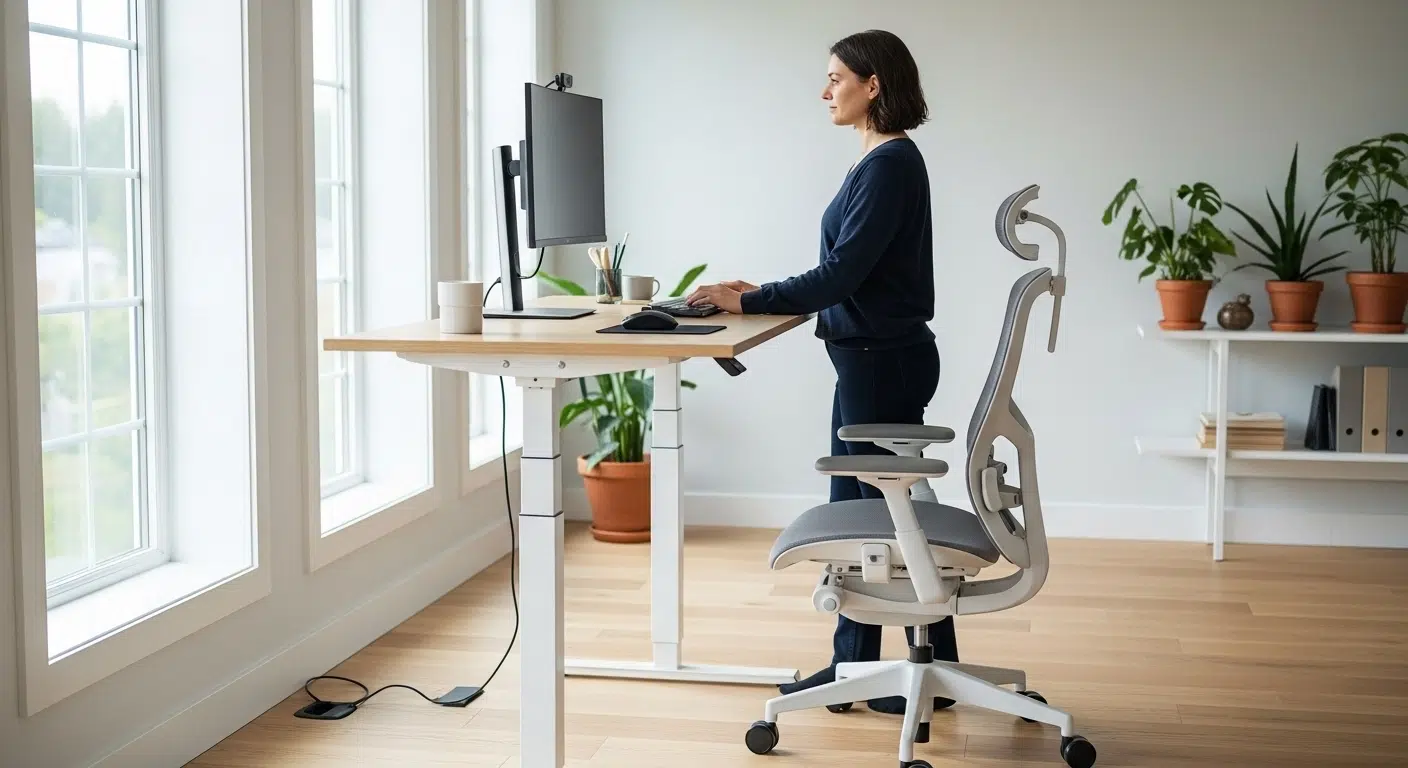
Does your back hurt at the end of the day? Sore neck? You probably already know that sitting for 8 hours at a time is destroying your body. You may have already bought a premium ergonomic chair, but the real solution lies in moving. That’s where the height-adjustable desk comes in, another pillar of modern office ergonomics.
But what is the difference between a motorised and a manual table? How high should it be set? And is it really worth the price? As Ergomax’s ergonomics expert, Viktoria Veze will guide you through everything you need to know to choose and use the perfect sit-stand workstation.
Why is the Adjustable Height Table the Future? The “Sitting Sickness” Cure
The human body is designed for movement, not static sitting. Constant sitting increases the risk of heart disease, diabetes and chronic back pain. This is called ‘sedentary disease’.
The height adjustable desk (or “standing desk”) allows the healthiest way of working: the “sit-stand” method. The point is not to stand all day (which is also strenuous), but to change position every hour.
Key Benefits of Shift Work:
- Less Back Pain: Standing relieves pressure on the lower back and discs.
- Increased calorie burn: standing can burn up to 30-50% more calories than sitting.
- Better Circulation: changing the posture stimulates blood circulation, preventing the legs from swelling.
- Increased productivity: exercise gets more oxygen to the brain, which improves focus and creativity.
How to Choose? The Shopping Checklist
Not all adjustable tables are the same. Consider the following before you decide.
1. Type: manual or electric?
- Manual (Kurbli): has the advantage of being cheaper and does not require a power source. Disadvantage is that it is slow and awkward to adjust the height, so most people get lazy after a while and lose the point of the “sit-stand” method.
- Electric (Motorised): changes the height in seconds at the touch of a button. This convenience guarantees that you will actually use the function. This is the only recommended solution for the long term.
2. Number of engines: one or two?
- Single motor: generally cheaper, but slower, louder and with a smaller load capacity (typically 60-70 kg). For smaller desktops, laptop work, it may be sufficient.
- Dual Motor: This is the premium category. Faster, quieter, more stable and with a higher load capacity (100-120+ kg). If you have multiple monitors, a computer case and books on your desk, choose this one.
3. Memory Function (The Most Important Convenience Extra)
The best tables have a memory controller. This allows you to save 3-4 ideal heights (e.g. “perfect sitting”, “perfect standing”, “chair balancing”). So you don’t have to hunt for the right position every millimetre, but can achieve it at the touch of a button.
4. Stability and Load Capacity
There’s nothing worse than having your desk and monitor “wobble” when you’re typing. Look out for the robust, thick steel legs and the ‘anti-collision’ feature, which stops the motor if it detects an obstacle (such as a drawer).
How to Use the Adjustable Table Correctly?
An adjustable table alone is not the answer; it must be set up correctly!
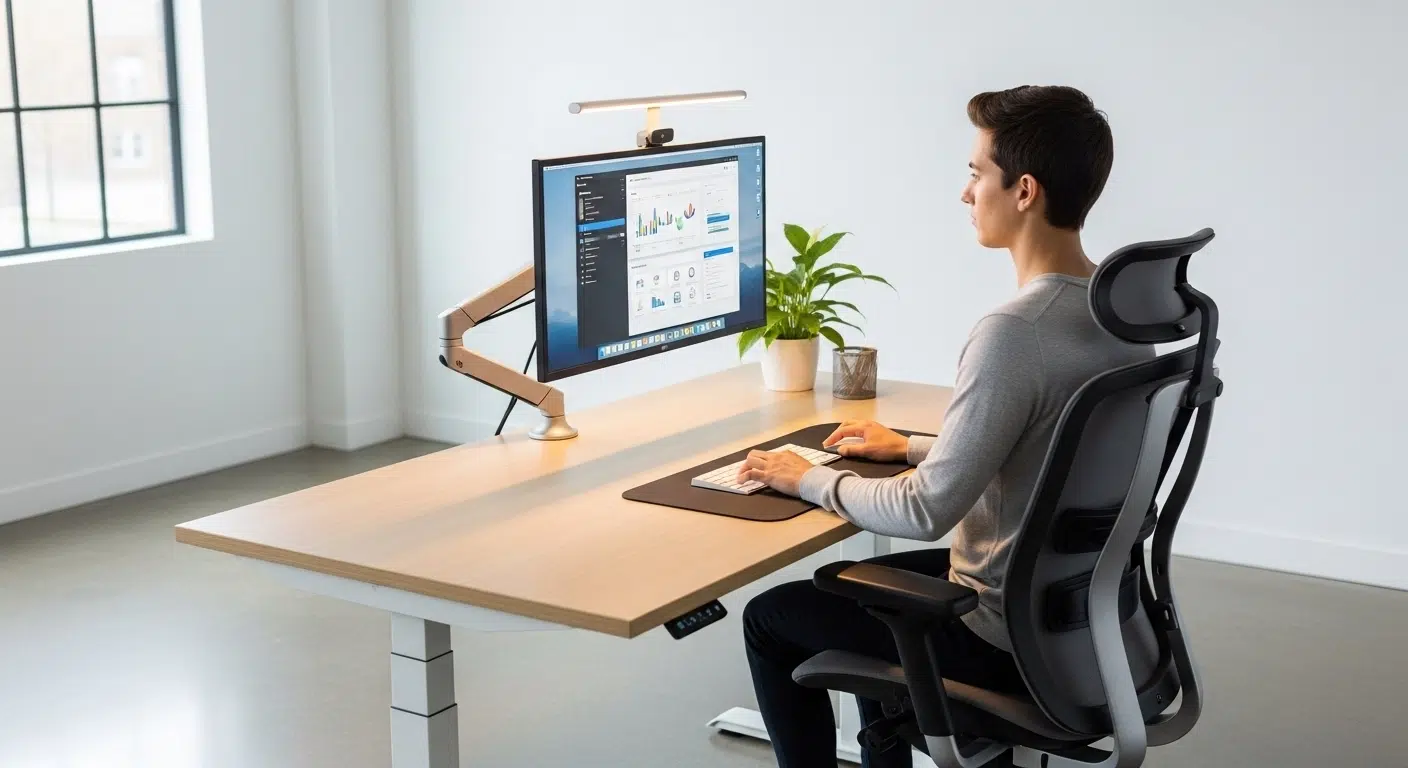
The Ideal STANDING Position:
- Stand casually in front of the table, shoulders lowered.
- Bend your arm at a right angle (90 degrees) as if you were typing.
- Raise the table top until your forearm rests comfortably parallel to it. Your forearm and upper arm should remain at a 90 degree angle.
- The top of the monitor should be at eye level ( a monitor stand may be required).
The Ideal SITTING POSITION:
- Sit in your chair with the correct posture (as described in our ergonomic chair adjustment article ).
- Lower the table top until your forearm (at the same height as the armrest) rests comfortably on it at a 90 degree angle.
Pro tip (The 50-10 Rule): work for 50 minutes sitting down, then press the memory button and work for 10 minutes standing up. Or use an “anti-fatigue” mat for standing for maximum comfort.
How much should we stand in a day? The Secret of a Good Routine
The most common mistake that new table owners make is to try to stand all day in the heat of enthusiasm. This can be just as damaging as sitting all day! Leg pain and fatigue are guaranteed.
The secret is not in the job, but in the regular rotation. In a separate guide, we’ve detailed the scientifically proven ’60-minute cycle’ (the exact ratio of sitting to standing to moving) that will keep you energised at the end of the day.
➡️ Learn the method here: How Much Should I Stand? How Much Do You Need to Sit?
Our Special Offers: where Quality meets Price
After testing dozens of models, our experts have selected the tables that offer the best value for money and reliability.
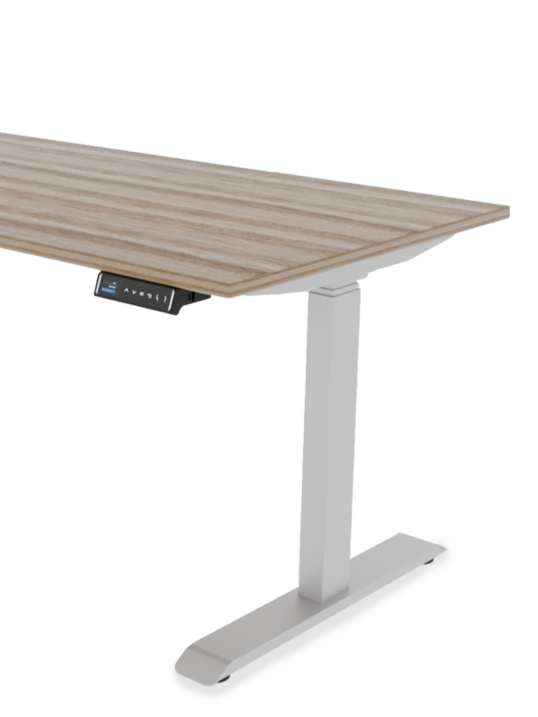
- Starter model (KENTO): the perfect choice for your first sit-stand table. Single motor, reliable, ideal for laptop work.
- The Champion (ErgoMax): a twin-motor power unit with memory controller and a load capacity of 120 kg. This table is an investment of a lifetime.
Frequently Asked Questions (FAQ)
Should I stand all day?
No! The aim is to change. Too much standing can be as damaging as too much sitting. The ideal ratio is individual, but a good starting point is 50 minutes sitting, 10 minutes standing.
Do I need a special chair for the adjustable table?
Not necessarily, but a good ergonomic chair is essential for sitting periods. The two complement each other. Alternatively, there are kneeling chairs or special “standing” chairs.
How loud is a motorbike table?
Modern, high-quality desks (especially those with two motors) are extremely quiet, usually below 50 dB. This is quieter than a normal office conversation, so you won’t disturb your colleagues.
Summary: Invest in your Health!
A height adjustable desk is not a luxury, but an essential tool for healthy and productive work. Together, the chair and the desk form an ergonomic system that will keep you out of pain in the long run.
If you’re ready to make the switch, take a look at our full range of adjustable tables or ask our experts for help choosing!
Tetszett a cikk? Ne maradjon le a következőről!
Csatlakozzon az Ergomax közösséghez! Szakértői tippeket küldünk a hátfájás ellen, és elsőként értesítjük az exkluzív akciókról. Kezdje a fájdalommentes munkát még ma!